
How to use Vim in all MacOS applications?
I love to use Vim, but I can't be bothered installing Vim extensions for each of my apps. I just want Vim to be enabled everywhere.

ovim is a MacOS system-wide Vim mode.
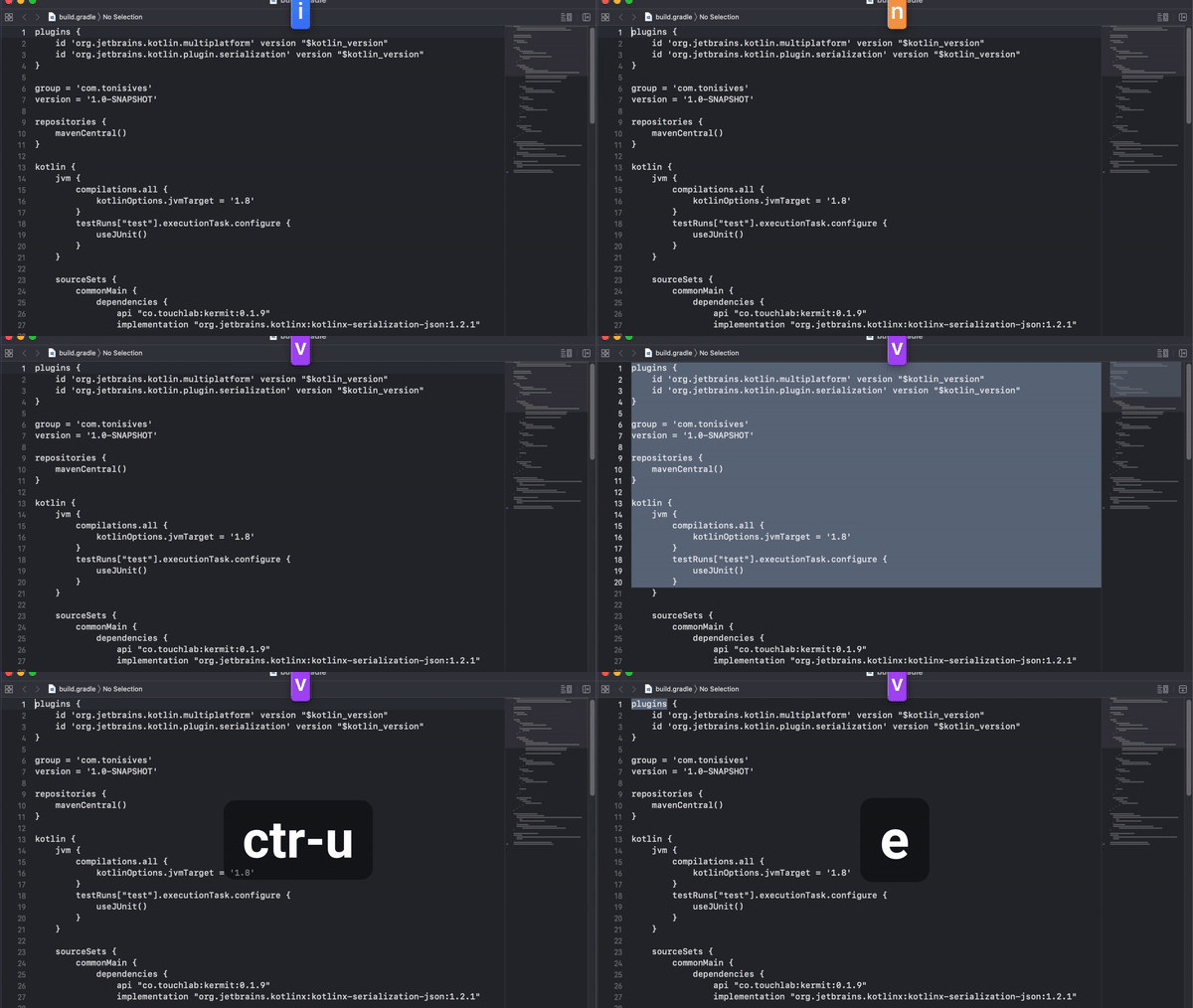
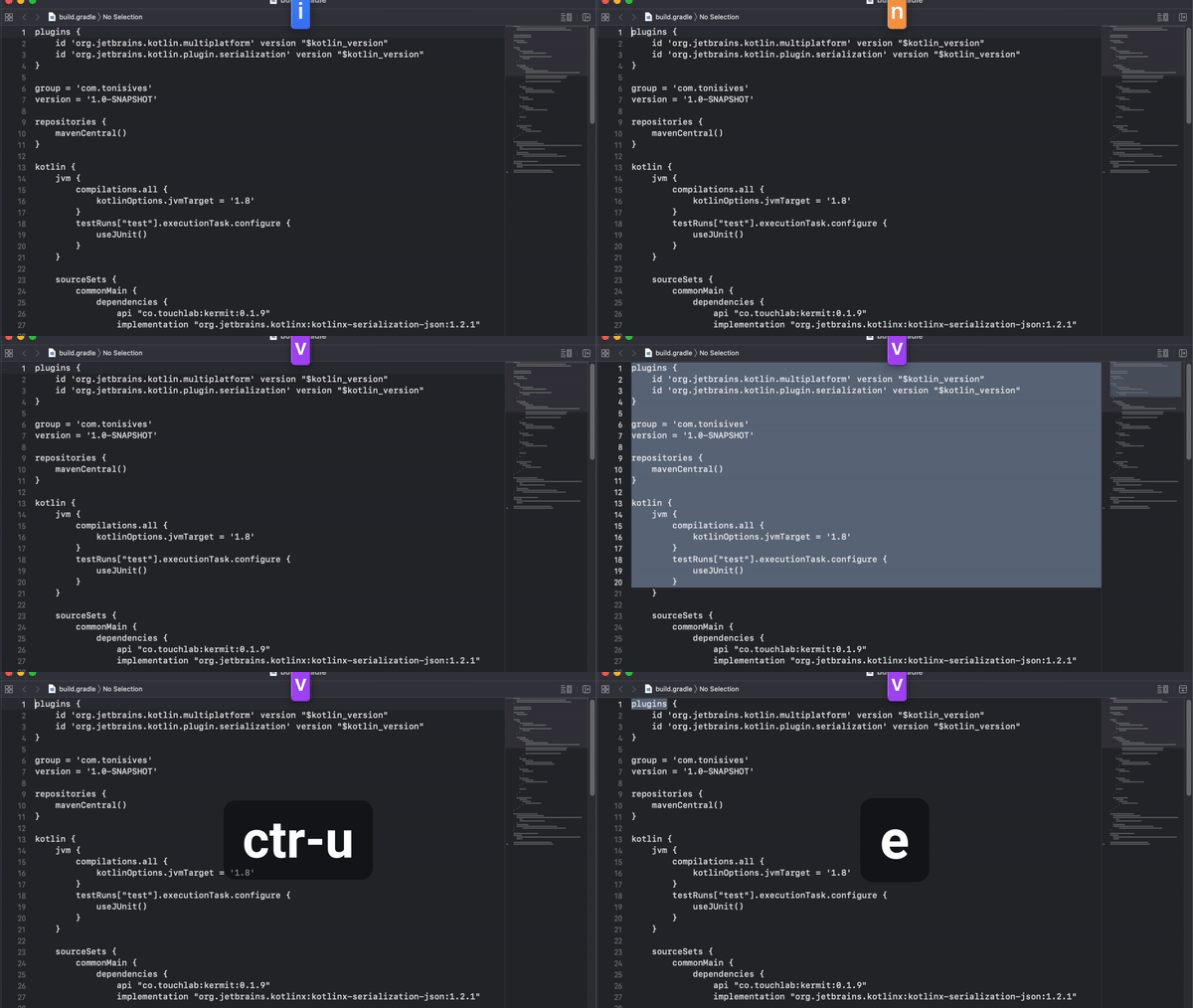
Use hjkl, b/e, $, ^, dd and many more commands in vim, normal and visual modes. Insert mode is the default OS behaviour.


Use it anywhere
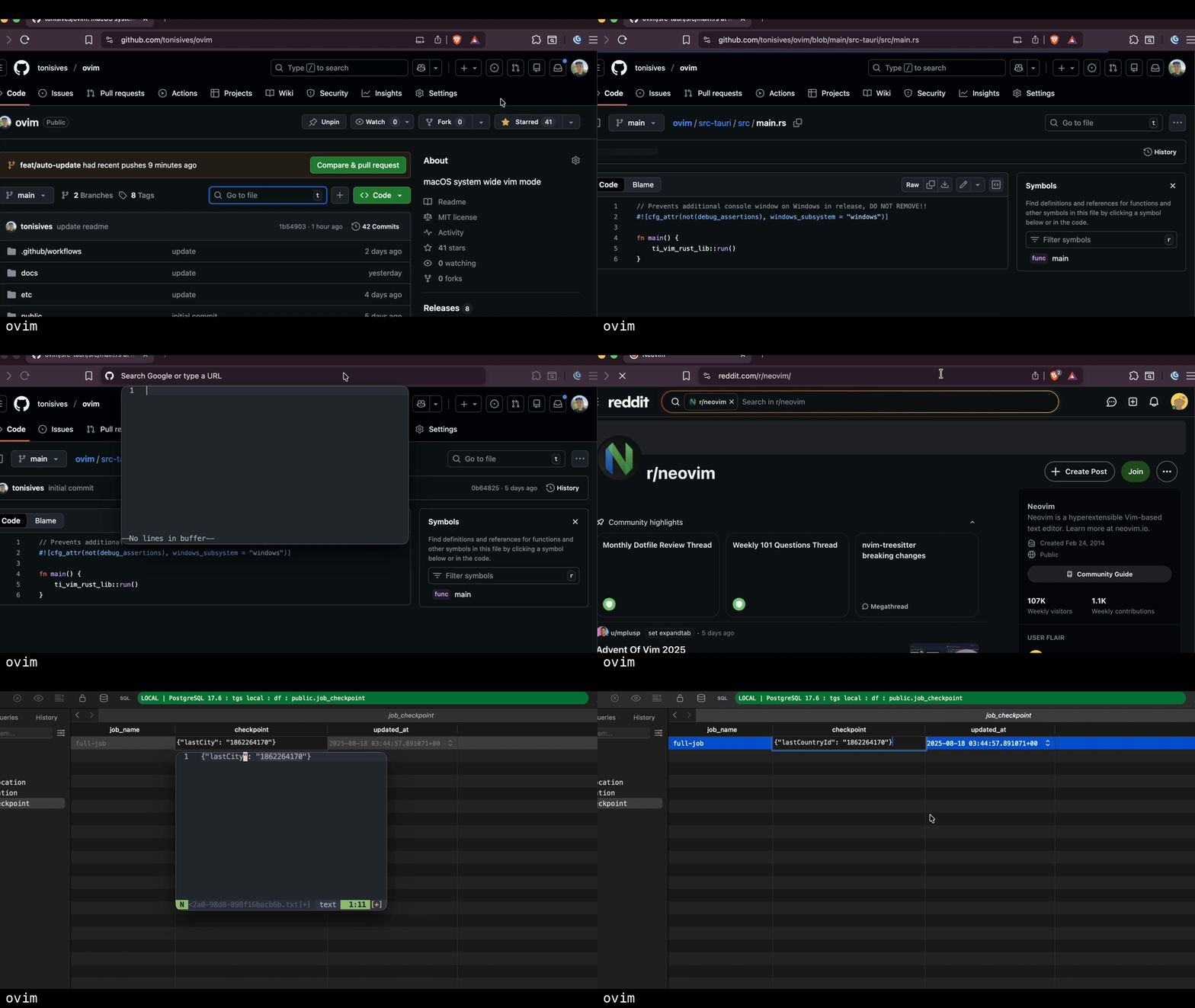
Truly system-wide. Can be used in the browser, text editor, text fields, anywhere where text is input in MacOS. ovim translates Vim commands to sequence of keystrokes that will simulate the Vim behaviour in the system.
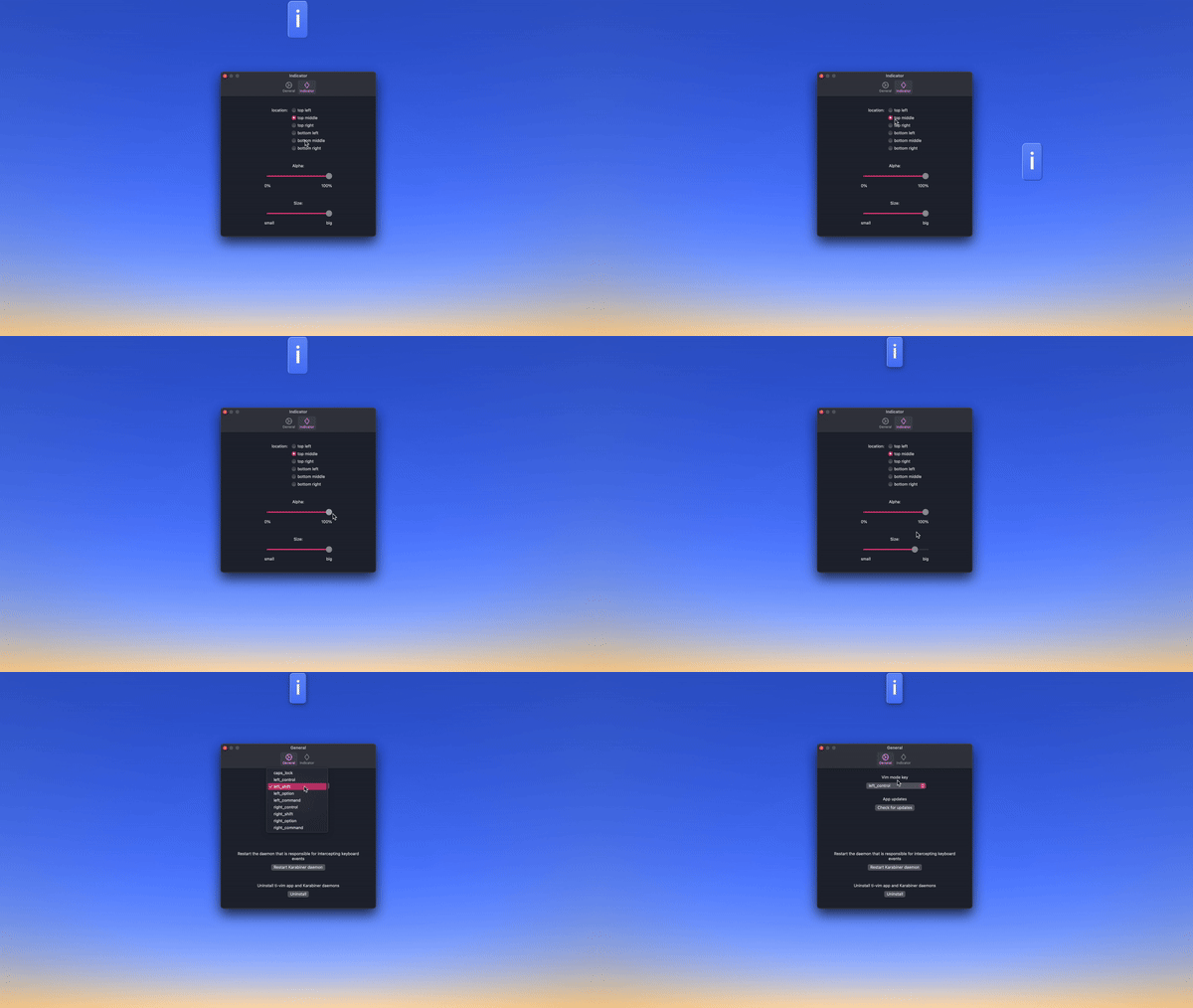
Control the indicator
The indicator displays whether the mode is insert, normal or visual. User can position or resize it to any corner of the screen. Or hide it completely.

Install ovim
Or download from GitHub Releases
 Open source (MIT License)macOS 10.15 (Catalina) or laterConfigurable activation key (default: Caps Lock)Neovim popup editor for complex editsApplication exclusions for apps with native Vim
Learn more
In-Place Mode
Use Vim motions directly in any macOS application. hjkl, w/b/e, operators, text objects, and more.
Edit Popup
Open your actual Neovim installation in a popup terminal. Edit with your full config and plugins.
Click Mode
Click any UI element with keyboard hints, like Vimium for your entire Mac. Free and system-wide.
Keybindings Reference
Complete list of supported Vim motions, operators, text objects, and commands.
CLI & Karabiner Integration
Control ovim from the terminal or Karabiner-Elements. Automate mode switching.