In-Place Mode
Simulate Vim motions directly in any macOS application by intercepting keystrokes and injecting native key events.
How it works
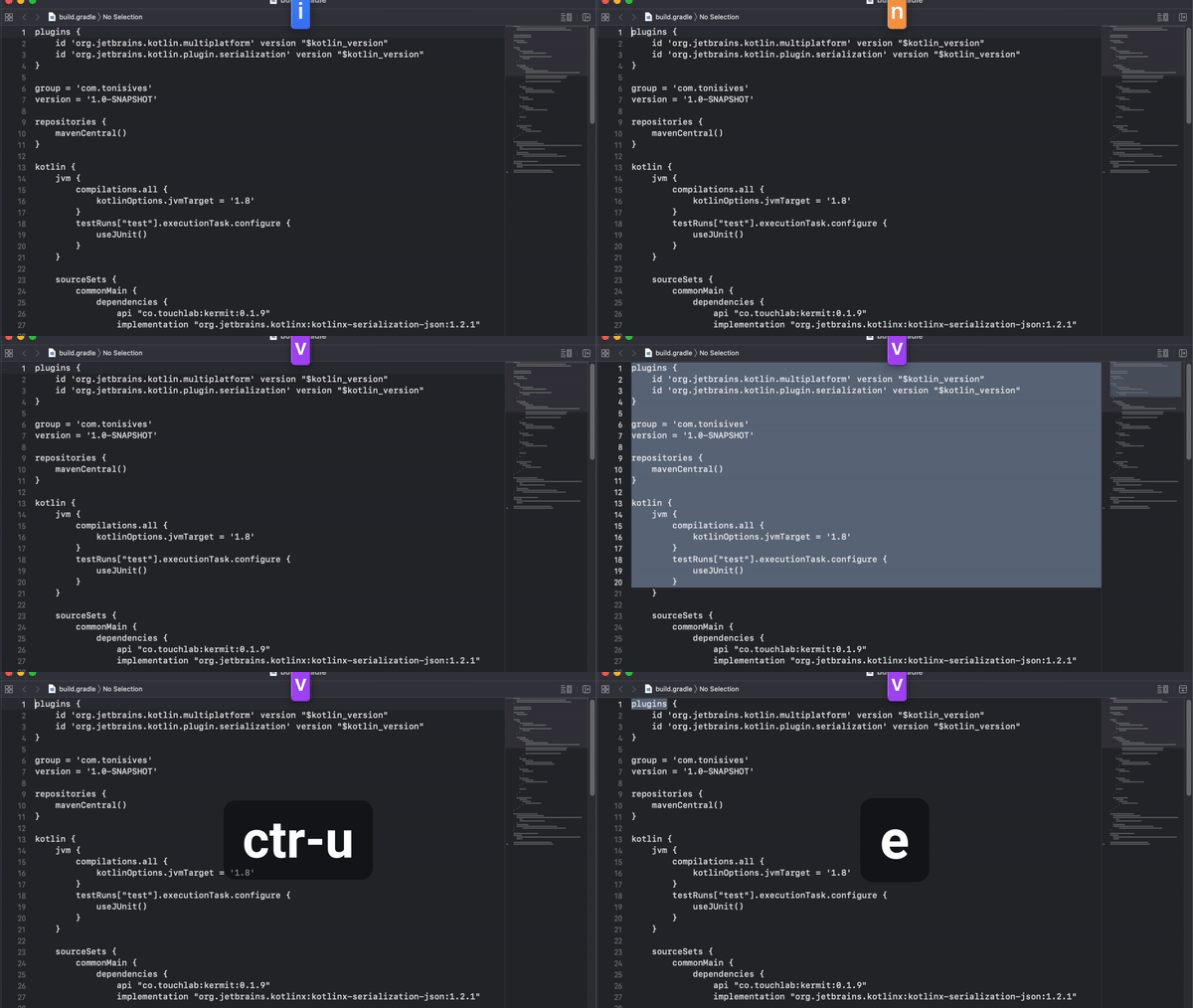
In-Place Mode intercepts your keystrokes using macOS Accessibility APIs and translates Vim commands into native key events. When you press j in Normal mode, ovim sends a Down arrow key to the active application. When you type dw, it selects a word and deletes it.
This means it works in any application - browsers, text editors, chat apps, email clients - without needing per-app plugins or extensions.
Mode switching
Toggle between Normal and Insert modes with Caps Lock (configurable in Settings). In Normal mode, Vim motions are active. In Insert mode, keys behave normally.
| Key | Action |
|---|---|
Caps Lock | Toggle Normal/Insert mode |
Esc | Return to Normal mode |
i / I | Insert at cursor / line start |
a / A | Append after cursor / line end |
o / O | Open line below / above |
v | Enter Visual mode |
s / S | Substitute character / line |
Basic motions
| Key | Action |
|---|---|
h j k l | Left, down, up, right |
w / b / e | Word forward / backward / end |
0 / $ | Line start / end |
{ / } | Paragraph up / down |
gg / G | Document start / end |
Ctrl+u / Ctrl+d | Half page up / down |
Operators and text objects
Operators combine with motions. For example, dw deletes a word, y$ yanks to line end.
| Key | Action |
|---|---|
d | Delete |
y | Yank (copy) |
c | Change (delete + insert) |
iw / aw | Inner word / around word |
dd / yy / cc | Delete / yank / change line |
D / C / Y | Delete / change / yank to line end |
Counts
Prefix commands with numbers: 5j moves down 5 lines, 3dw deletes 3 words, 10x deletes 10 characters.
Indicator
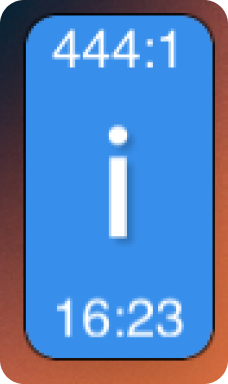
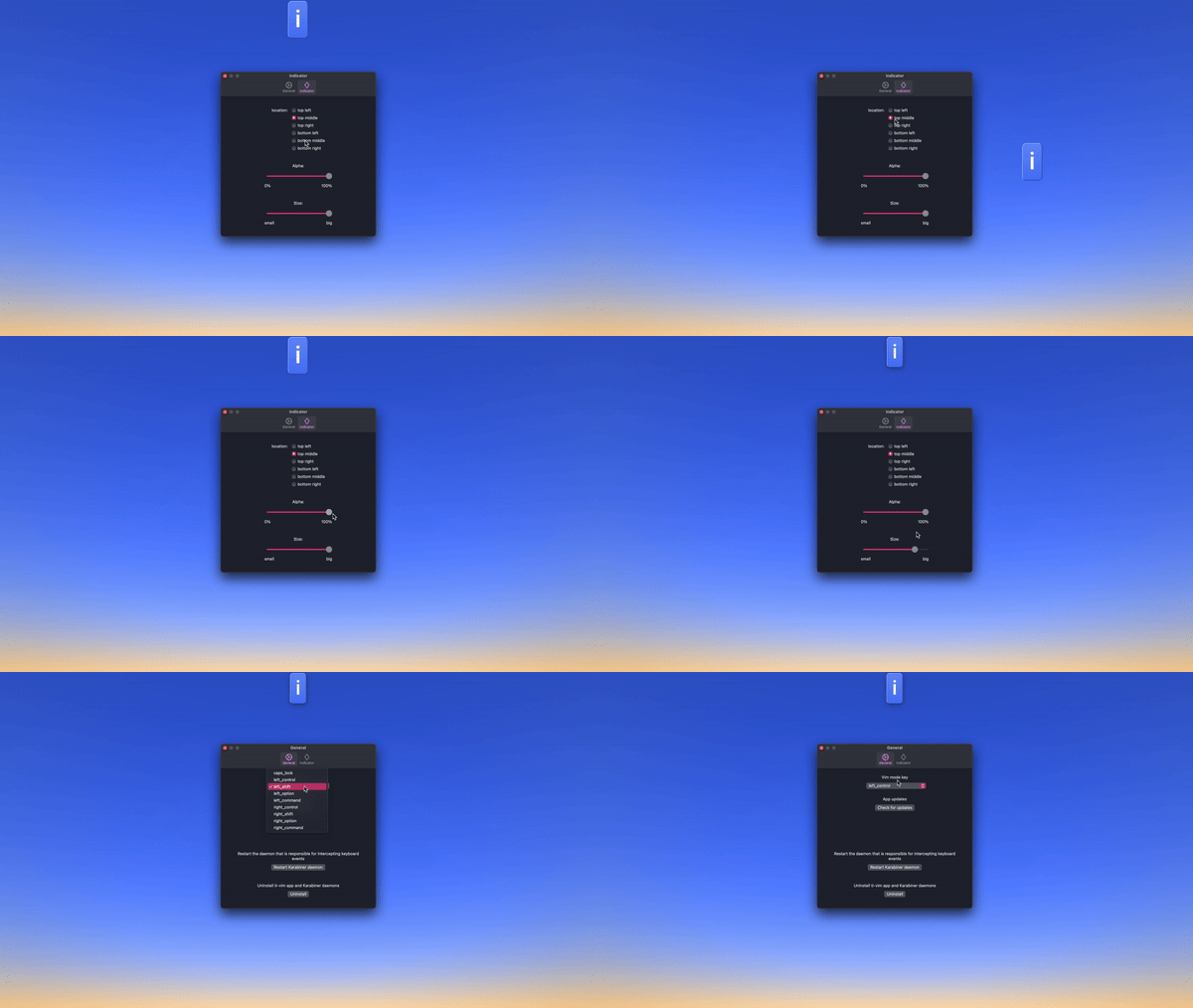
A floating indicator shows the current mode (Normal, Insert, Visual). You can reposition it, resize it, or hide it entirely from Settings.
Widgets
Display battery status, time, or text selection info alongside the mode indicator.